 TapOpen
Free on Google Play
The shortcut maker for Android
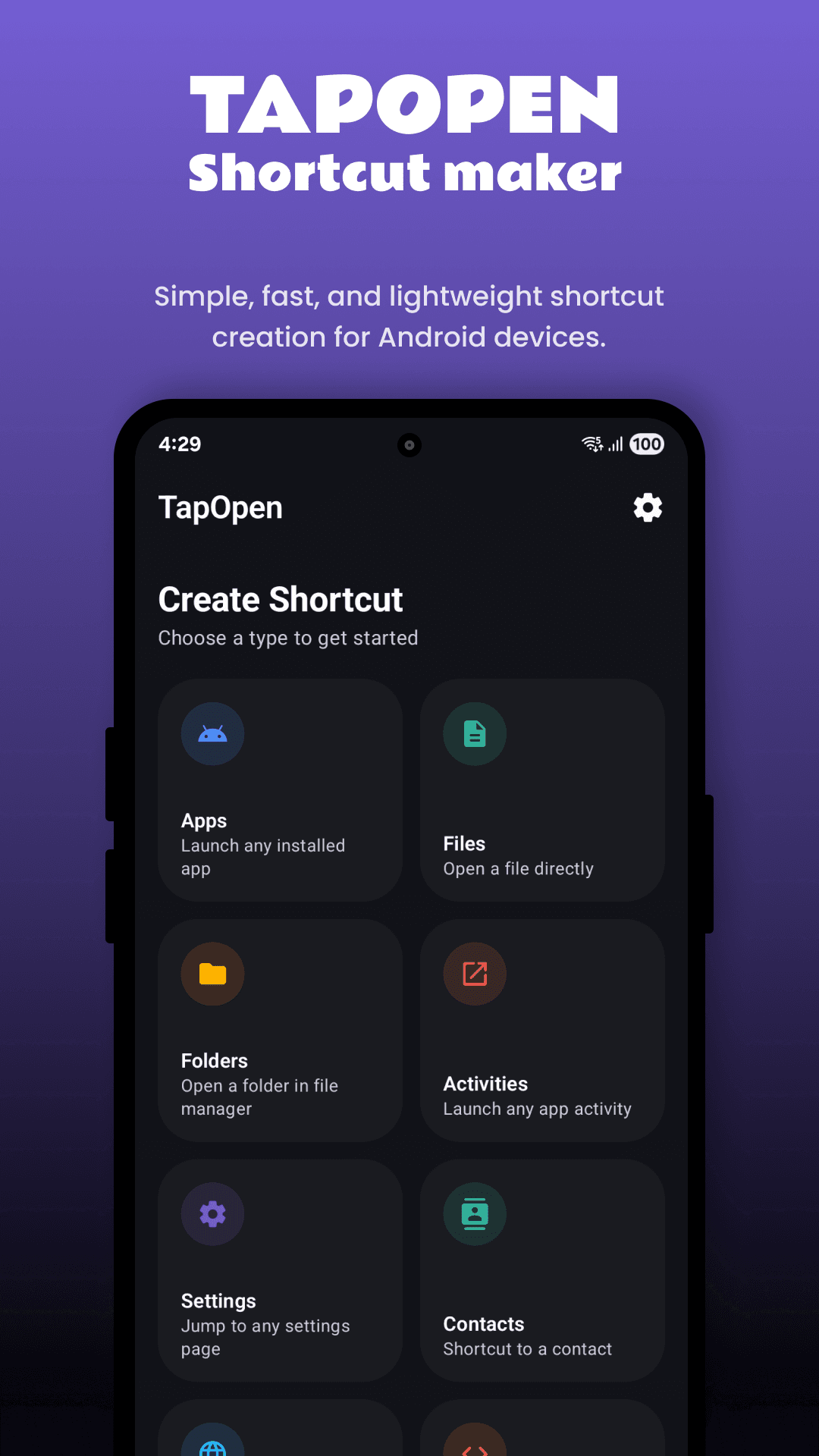
Make a home screen shortcut to anything on your phone. Apps, files, folders, contacts, websites and any settings page, plus your own Quick Settings tiles. One tap and you are there.
- 4.2 on Google Play
- 8 shortcut types
- 10 custom tiles
What you can make
One shortcut maker, eight kinds of shortcuts
Android only lets you put apps and a few app actions on the home screen. TapOpen lets you choose the target yourself, so the thing you use most is always one tap away.
Apps shortcuts
Make a home screen icon for any installed app, with your own name and icon. Handy for hiding long app names or matching an icon pack.
Learn moreFiles shortcuts
Open a PDF, ticket, photo or document straight from the home screen without going through the file manager.
Learn moreFolders shortcuts
Jump to Downloads, Camera, screenshots or any folder you use often.
Learn moreActivities shortcuts
Open a specific screen inside an app, including screens the app does not show in its own menus.
Learn moreSettings shortcuts
Wi-Fi, Bluetooth, Battery, Display, Data usage, Developer options and many more, one tap away.
Learn moreContacts shortcuts
Call or text the people you talk to most with a single tap. A simple speed dial for any phone.
Learn moreWebsites shortcuts
Put any web page on your home screen with the name and icon you choose. Works with your default browser.
Learn moreIntents shortcuts
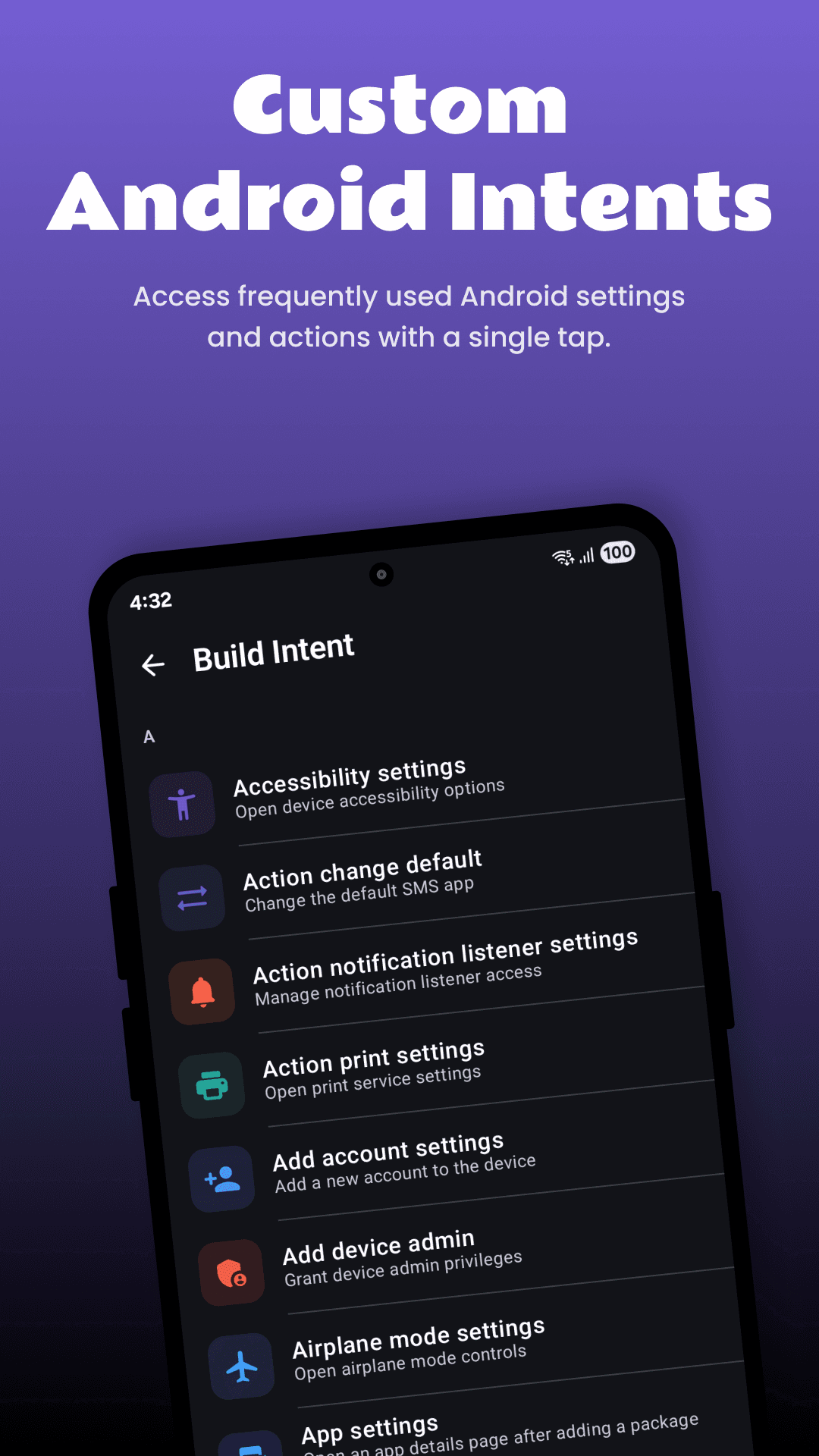
A long list of ready made Android actions like Airplane mode or Print settings, plus a builder for your own intents.
Learn moreQuick Settings tiles
Your shortcuts in the notification panel
Add up to 10 custom tiles to Quick Settings. Swipe down from any app and open a setting, call a contact or switch to silent without going back to the home screen.
- Any shortcut you make can become a tile
- Pick a name and icon for each tile
- Reach them from any screen with one swipe
System controls
One tap controls the slider cannot give you
Set brightness to the exact same level every night, or go silent before a meeting with a single tap.
Brightness
Set an exact level or switch between presets.
Sound mode
Ring, vibrate or silent in one tap.
Auto brightness
Turn adaptive brightness on or off.
Clipboard
Clear copied text like passwords and OTPs.
Read more in the guide to brightness and sound mode shortcuts.
How it works
Three steps, no setup
Pick what to open
Choose a type such as Settings, Files or Contacts, then pick the exact target.
Name it and pick an icon
Give it a short name and an icon that is easy to spot on your home screen.
Add it and tap
Add it to the home screen or Quick Settings. Tap it any time to open it.
Screenshots
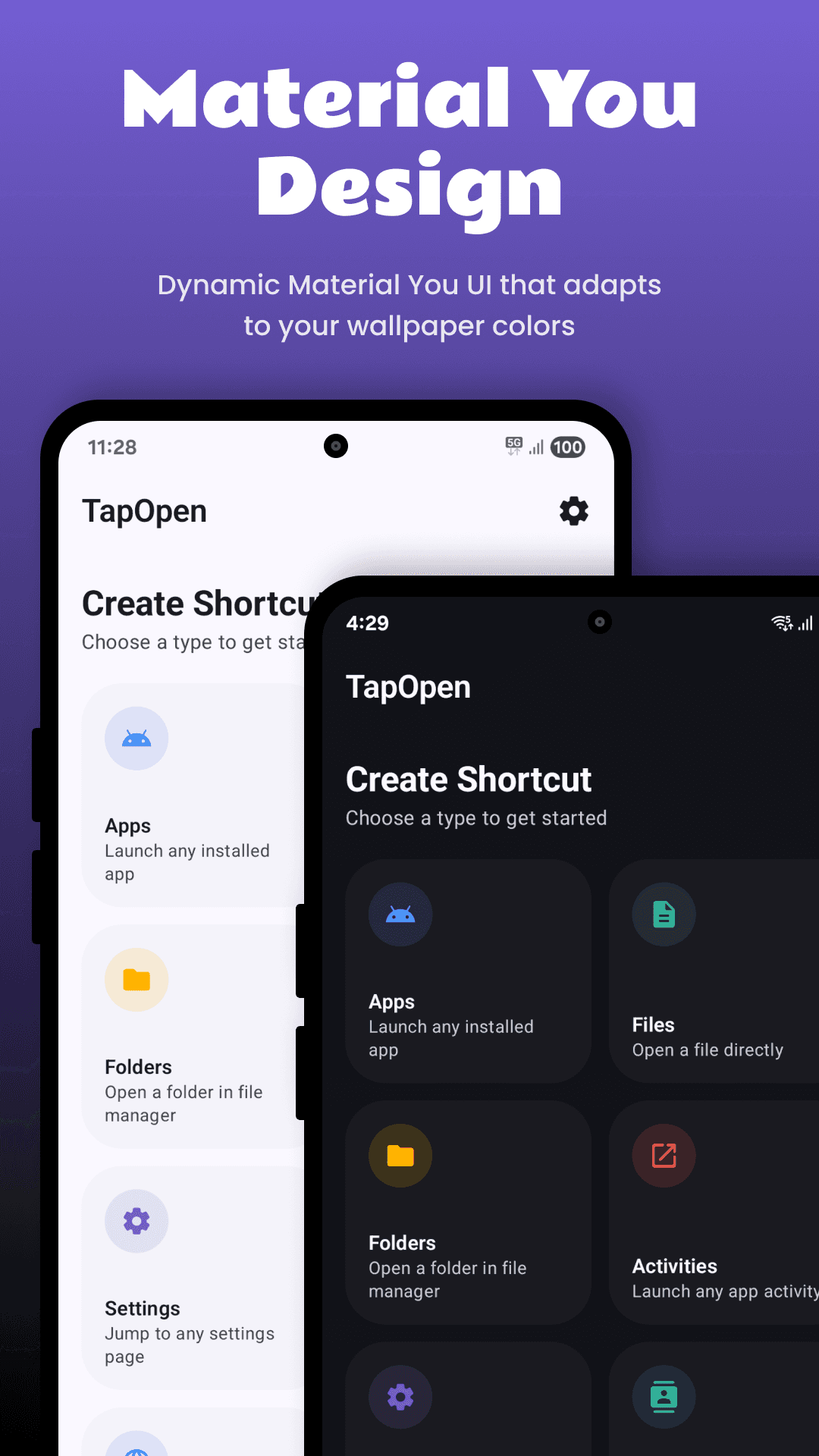
Clean Material You design, in light and dark
TapOpen follows your system theme and, on Android 12 and newer, picks up the colors of your wallpaper.
Android launcher vs a shortcut maker
What your phone can do on its own, and what TapOpen adds.
| Feature | Android launcher | TapOpen |
|---|---|---|
| App icons on the home screen | Yes | Yes |
| Shortcut to any settings page | No | Yes |
| Shortcut to a file or folder | No | Yes |
| Open a hidden screen inside an app | No | Yes |
| Custom Quick Settings tiles | No | Yes |
| Set exact brightness in one tap | No | Yes |
| Custom name and icon | No | Yes |
Guides
Learn to make better shortcuts
How to Create Shortcuts on Android
Step by step: make home screen shortcuts on Android for apps, files, folders, settings pages and contacts, with or without a shortcut maker app.
Read guideHow to Make a Shortcut to Any Android Settings Page
Open Wi-Fi, Bluetooth, Battery, Display, Developer options or any other Android settings page straight from your home screen with a settings shortcut.
Read guideHow to Add a Website Shortcut to Your Android Home Screen
Put any website on your Android home screen as an icon. Works with Chrome, Samsung Internet, Firefox, or with a shortcut maker for full control over the name and icon.
Read guideHow to Put a Contact on Your Android Home Screen
Add a contact shortcut to your Android home screen so you can call or text family and friends in one tap. Great for parents, grandparents and quick dial.
Read guideHow to Create a Shortcut to a File or Folder on Android
Open a PDF, document, photo or folder straight from your Android home screen. Here is how to make file and folder shortcuts, step by step.
Read guideAndroid Activity Shortcuts: Open Hidden App Screens
Learn what an Android activity is and how to make a shortcut that opens a specific screen inside an app, including hidden screens apps do not show in their menus.
Read guideFAQ
Shortcut maker questions, answered
What is a shortcut maker app?
A shortcut maker is an app that creates home screen icons for things Android does not normally let you put there, such as a settings page, a file, a folder, a contact or a screen inside another app. TapOpen is a shortcut maker for Android that also creates custom Quick Settings tiles.
Is TapOpen free?
Yes. TapOpen is free to download on Google Play. Some extra features are offered as in-app purchases.
What can I make shortcuts to?
Apps, app activities, files, folders, Android settings pages, contacts, websites and custom Android intents. You can also make one tap controls for brightness, auto brightness, sound mode and clearing the clipboard.
Does TapOpen need root?
No. TapOpen uses the standard Android shortcut and Quick Settings tile features, so it works on normal, unrooted phones.
How many Quick Settings tiles can I add?
Up to 10 custom tiles. Each tile can have its own name and icon and can open any shortcut you make in the app.
Which phones does it work on?
TapOpen works on Android phones and tablets from Pixel, Samsung, OnePlus, Xiaomi, Motorola, Oppo, Vivo, Realme and others. Material You colors need Android 12 or newer.
Why does Android ask me to confirm when I add a shortcut?
Since Android 8, apps cannot place icons on your home screen without asking. Your launcher shows a small dialog, and you tap Add or drag the icon where you want it. This is normal and keeps apps from filling your home screen without permission.
Can I change the icon and name of a shortcut?
Yes. Before adding a shortcut you can give it any name and pick a custom icon.
Will my shortcuts keep working if I uninstall TapOpen?
Shortcuts made by an app belong to that app, so Android removes them if you uninstall it. Keep TapOpen installed to keep your shortcuts and tiles.
Make your first shortcut in under a minute
TapOpen is free on Google Play. Pick what you want to open, add it to your home screen or Quick Settings, and tap.
Download free onGoogle Play